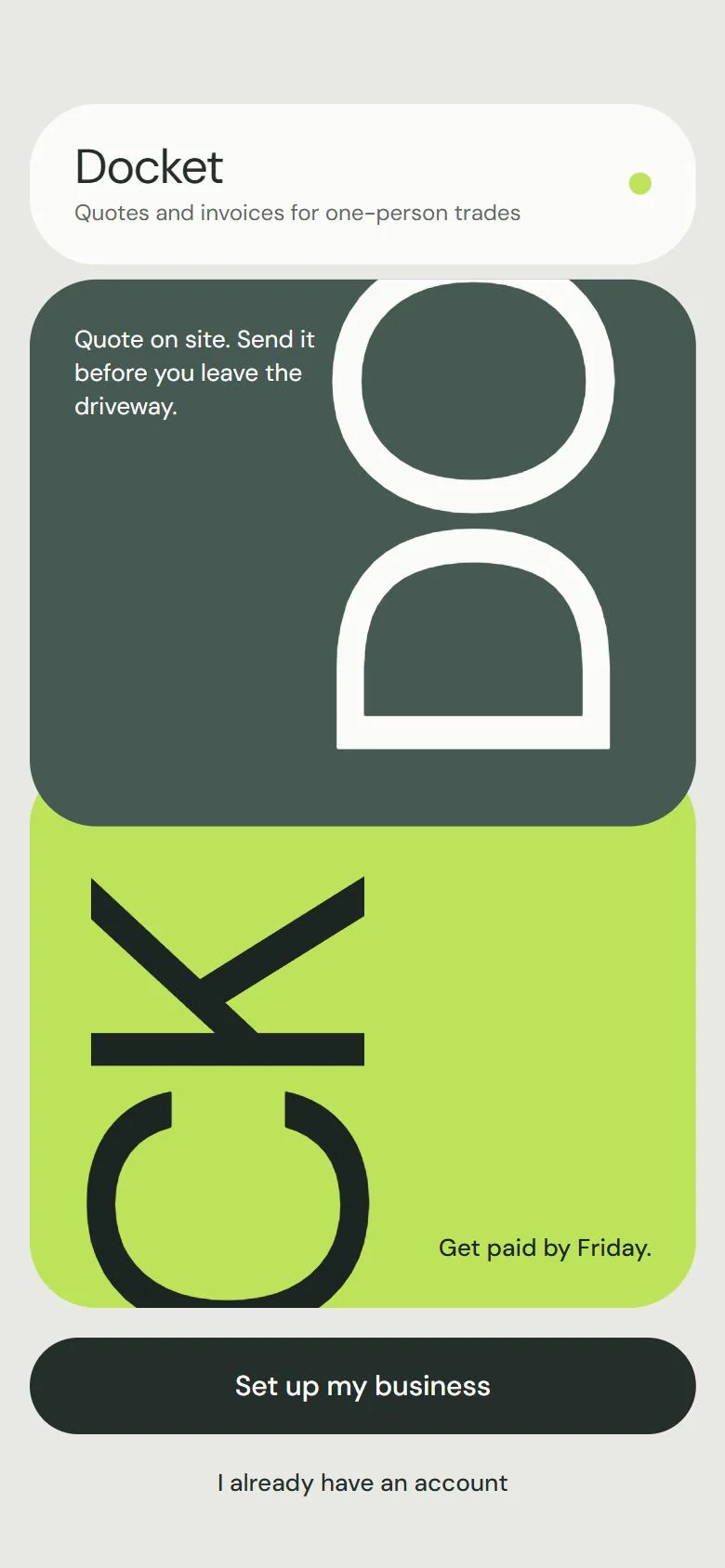
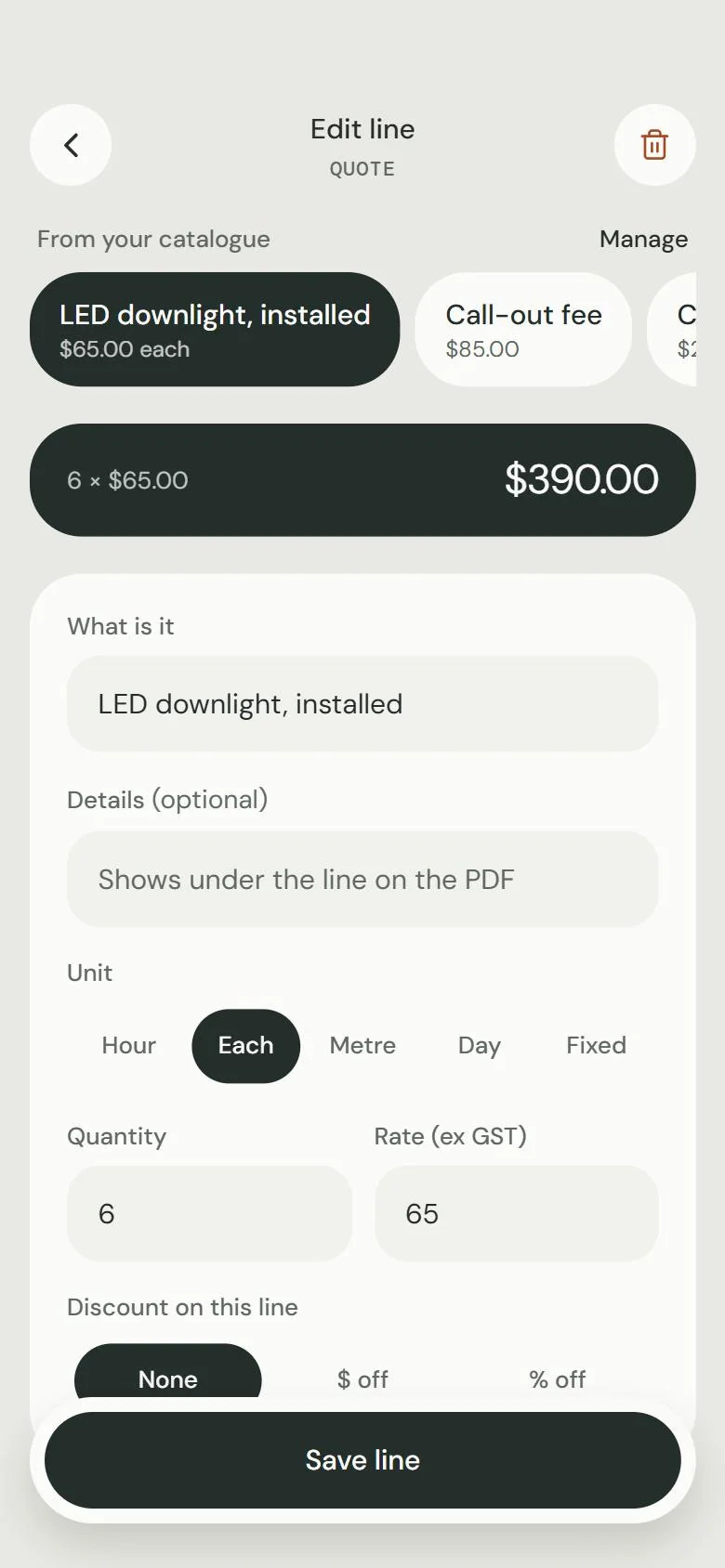
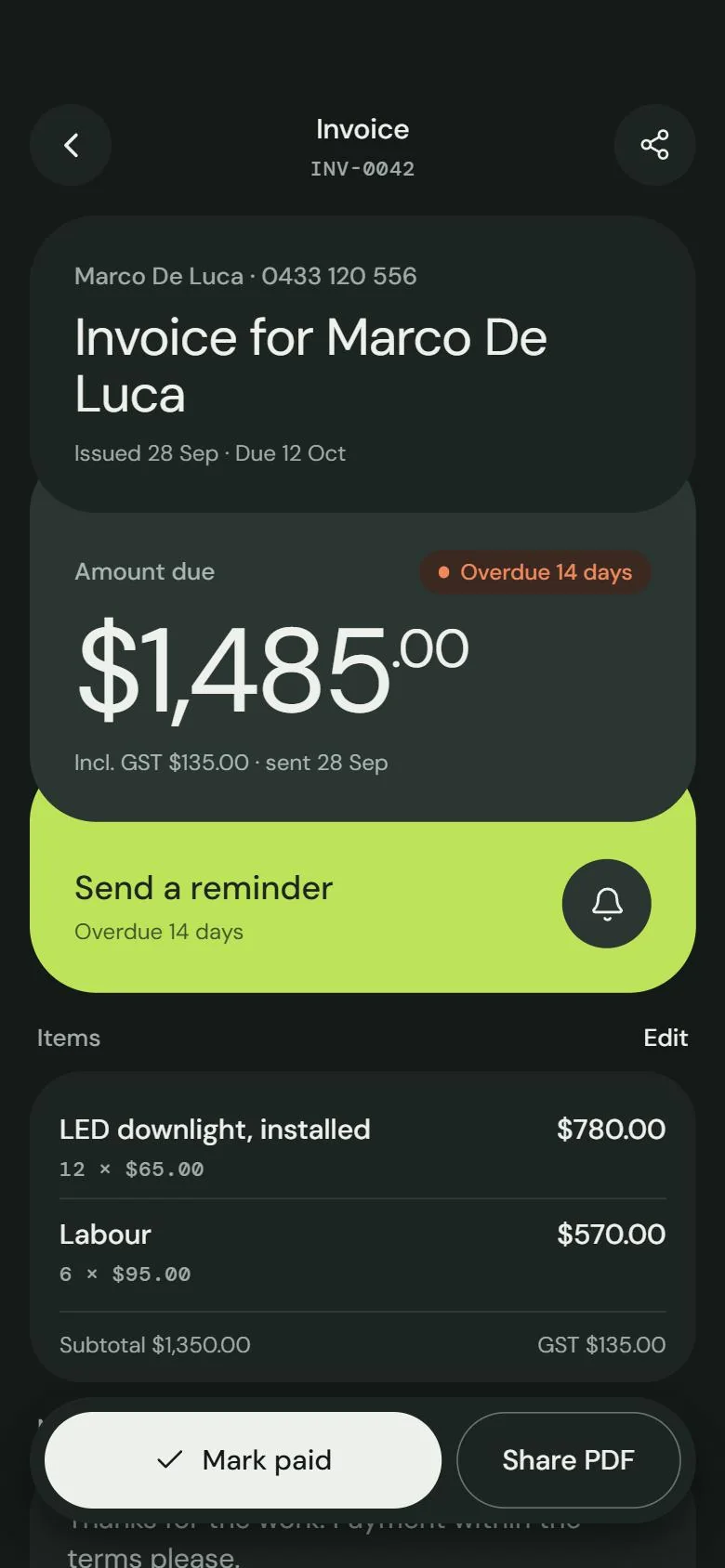
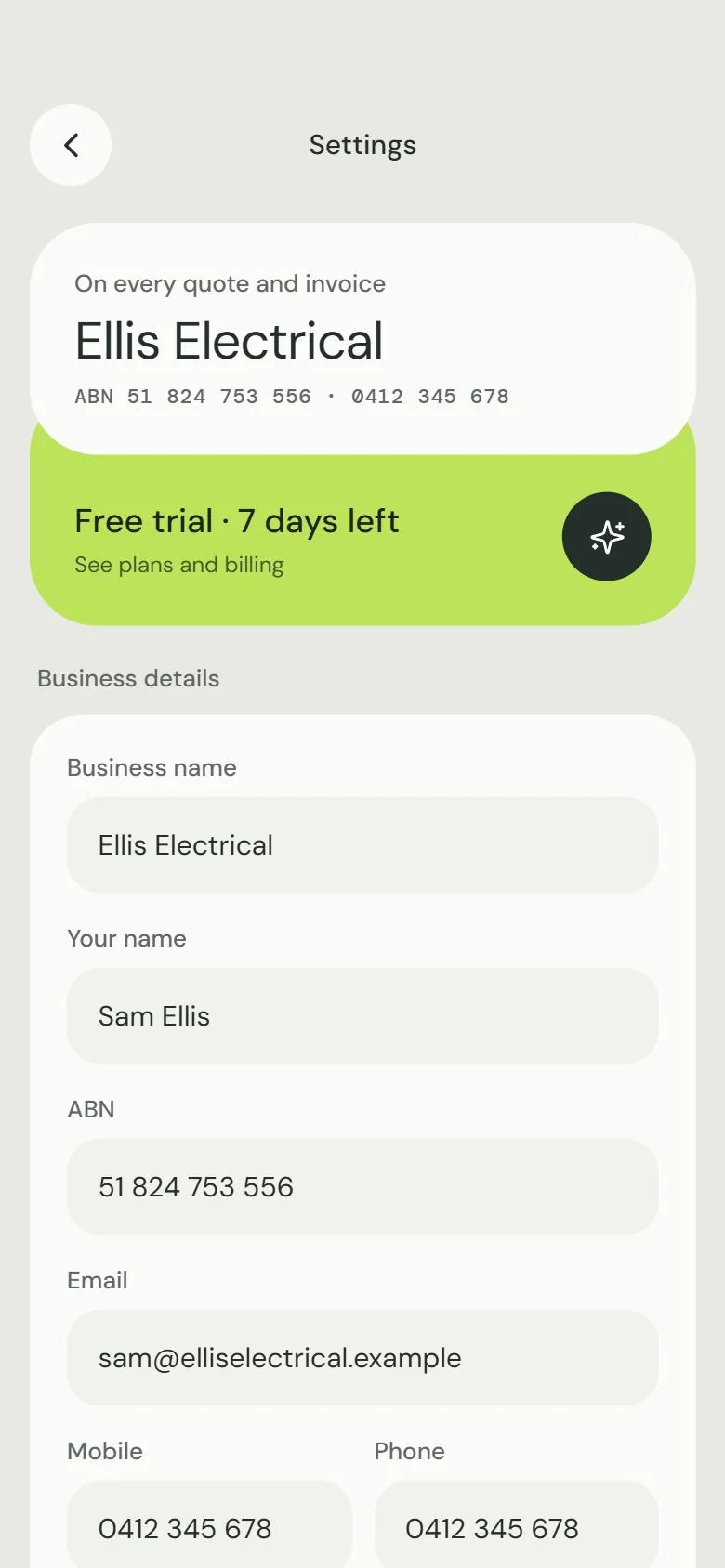
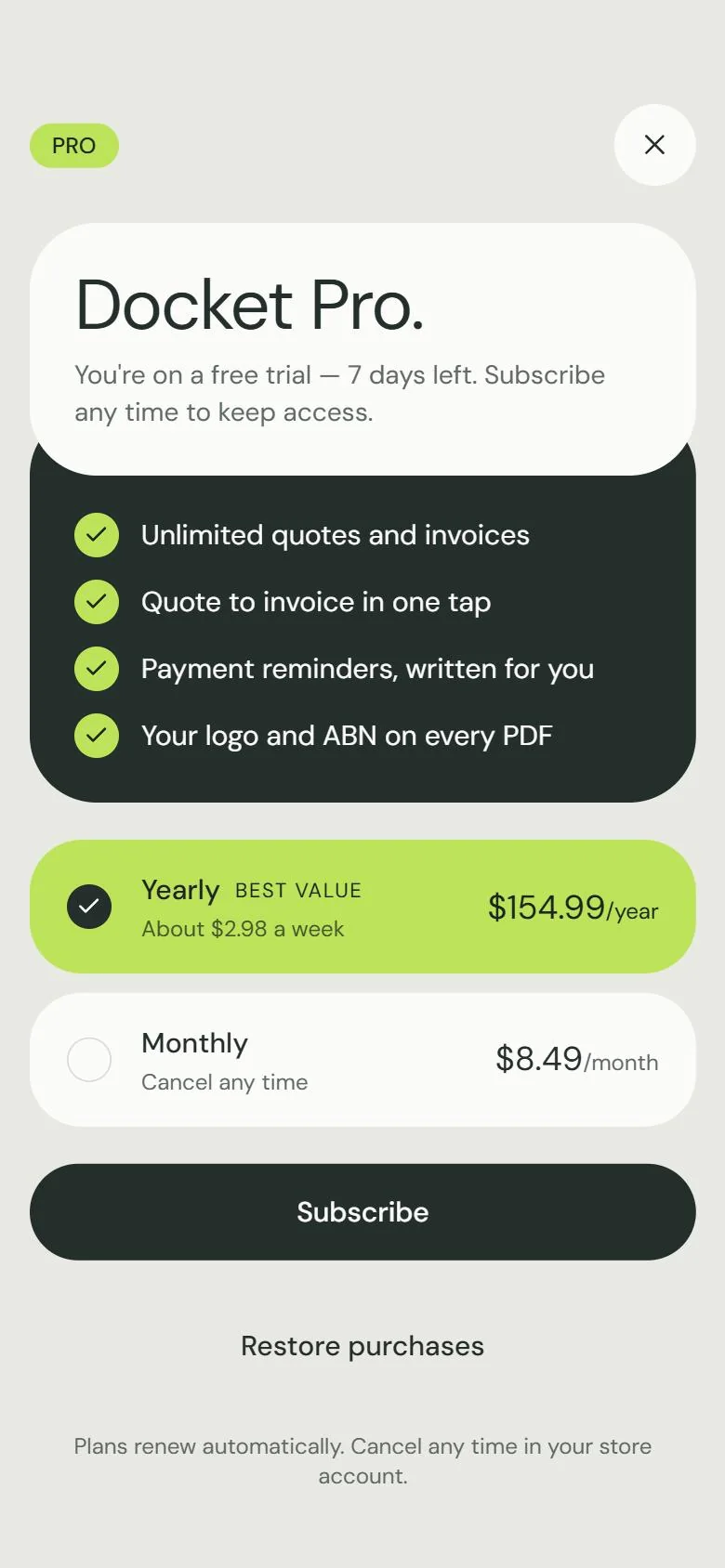
Docket is a quoting and invoicing app for one-person trades: sparkies, plumbers, chippies, painters. Quote the job before you leave the driveway, turn it into an invoice with one tap when they say yes, and always know who still owes you. I made all of it: the brand, every screen, and the app itself, from the data model to the PDFs.
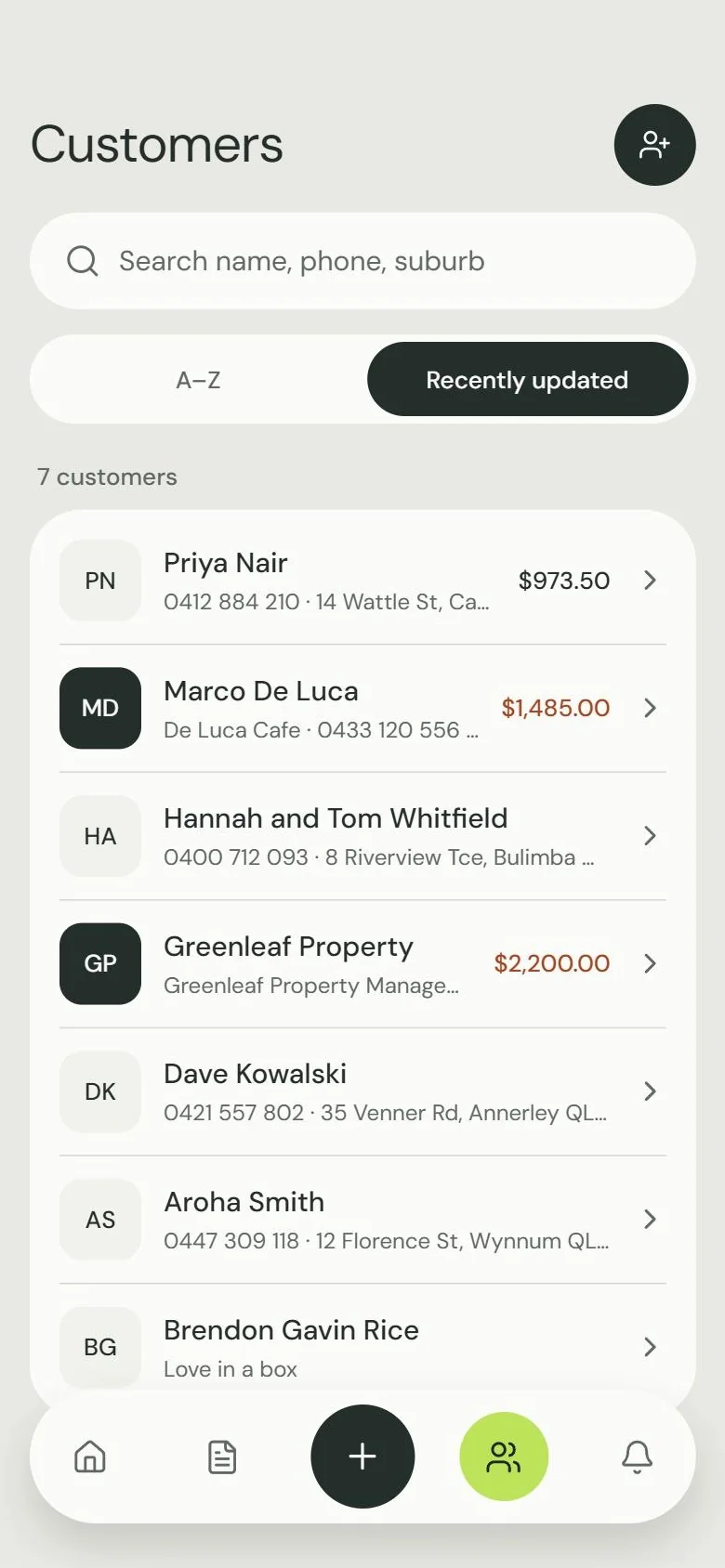
Six screens do the whole job. These are real screenshots from the app, filled with a week of work for a made-up sparky called Sam. Pick a screen, or let it play.
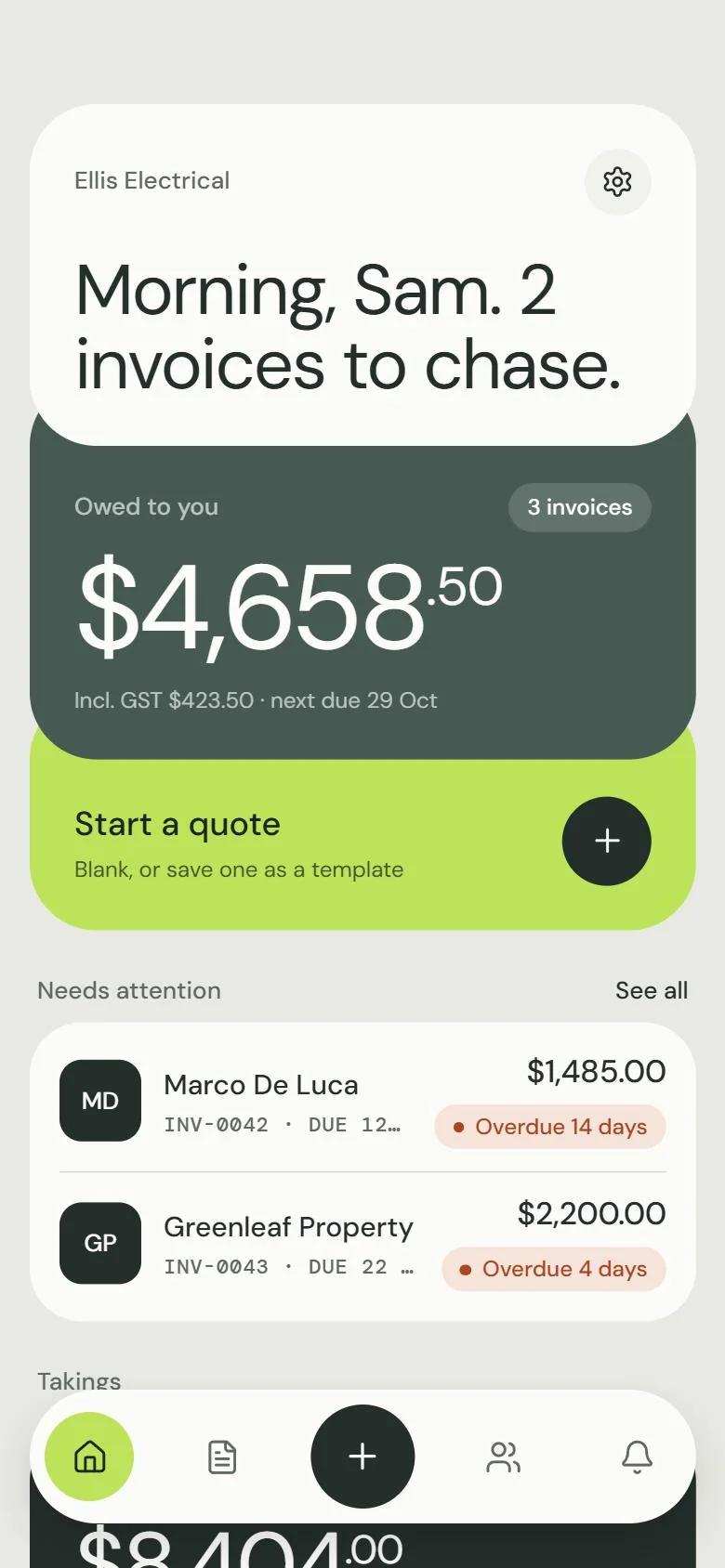
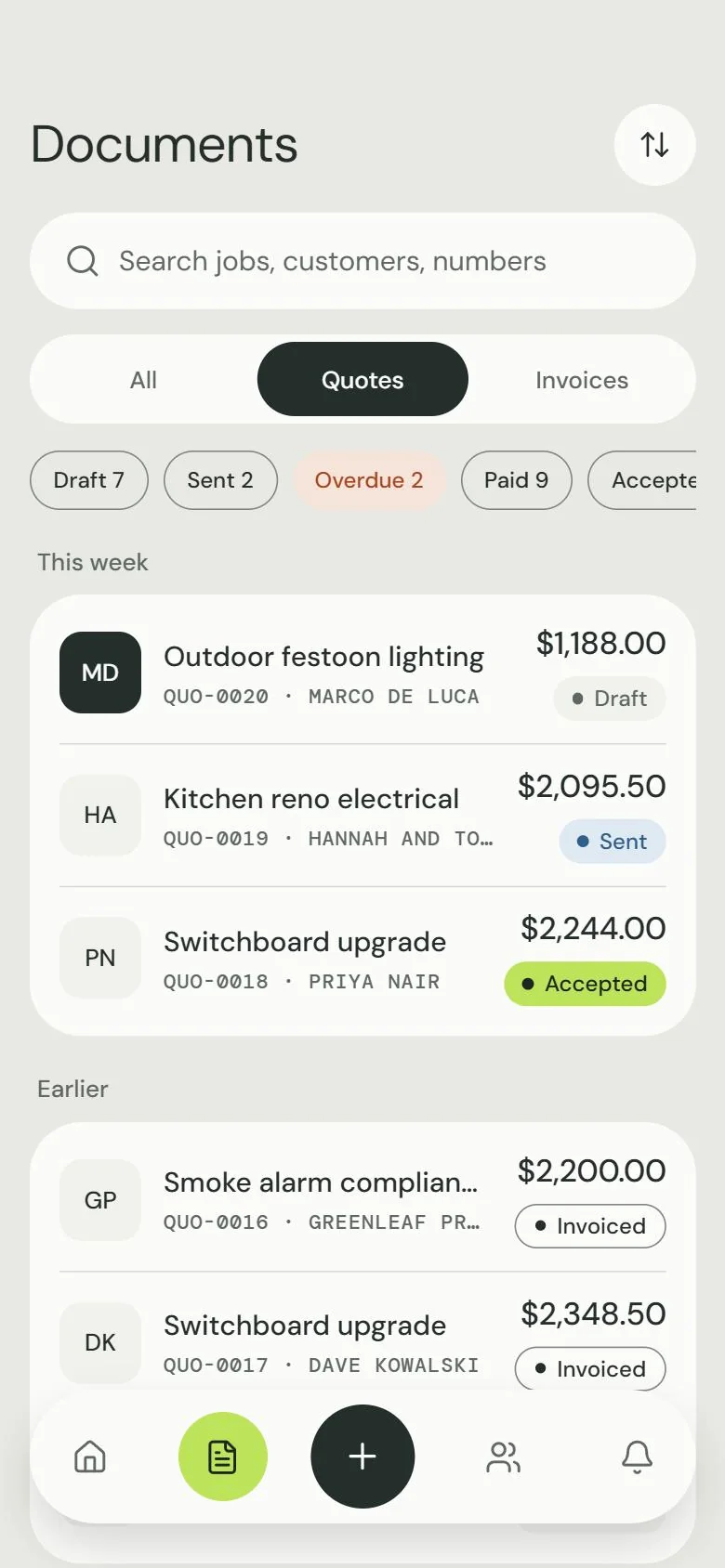
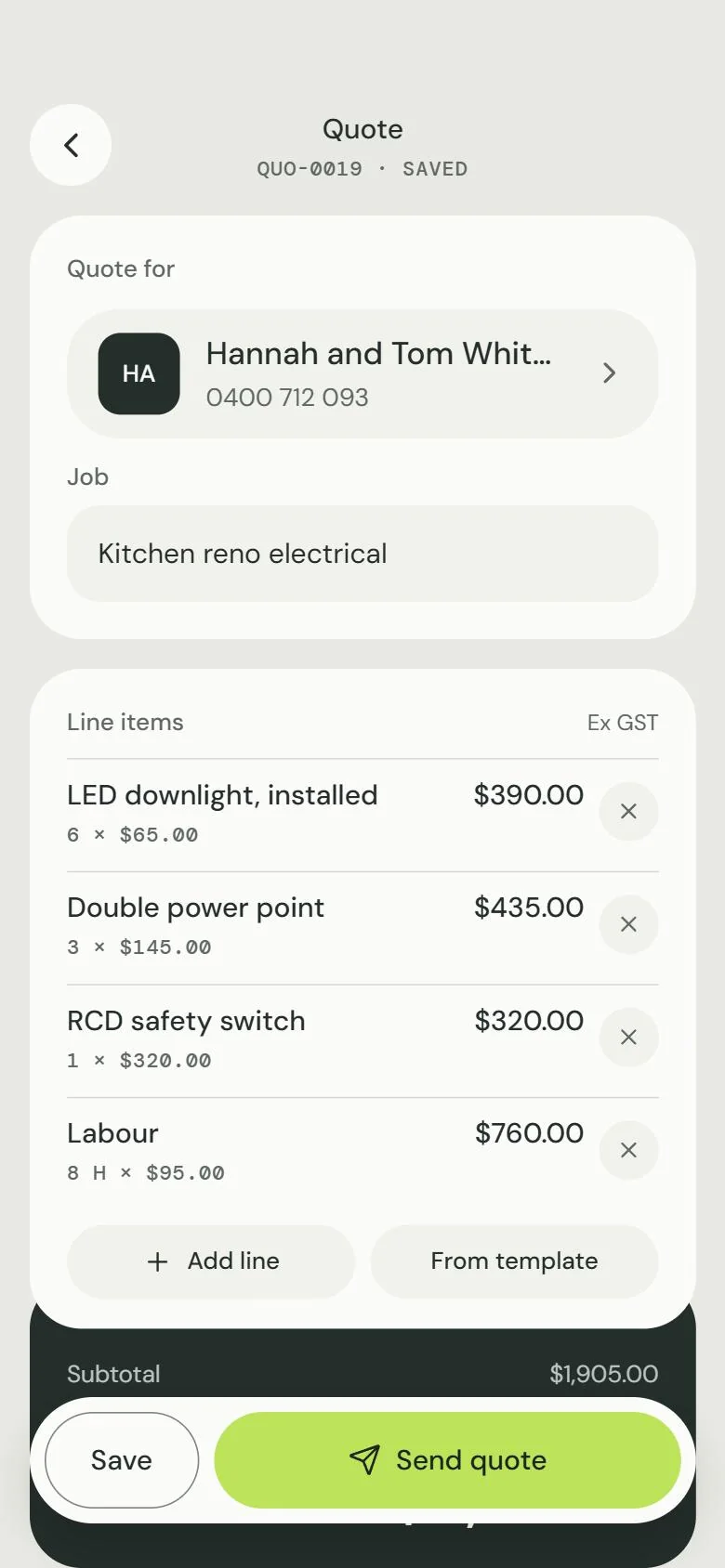
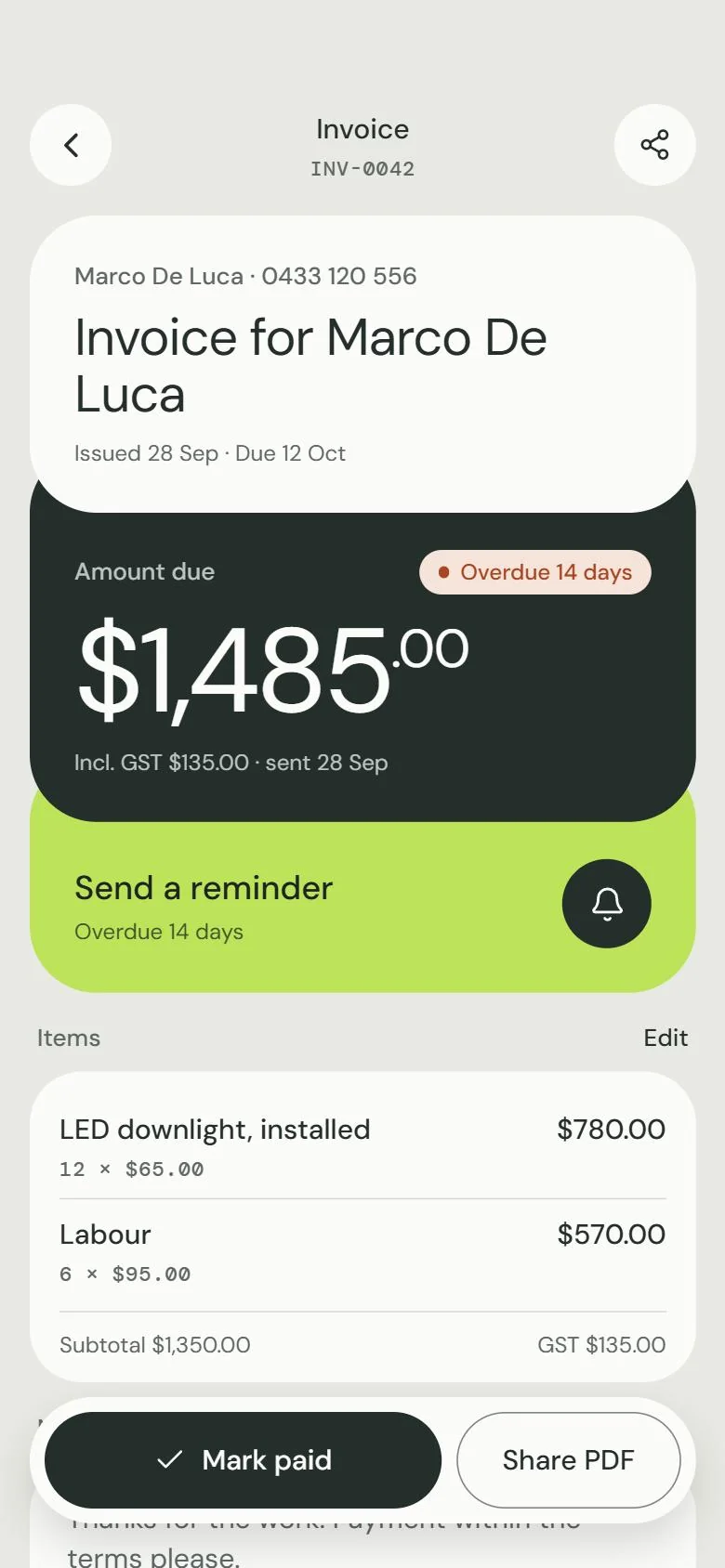
This works the same way the app does. Tap items from Sam’s price list to add them. Then follow the lime button from quote, to yes, to invoice, to paid.
From the catalogue ← tap to add
Line items
No lines yet. Tap something above.
Hannah and Tom Whitfield · 0400 712 093
Kitchen reno electrical
$0.00
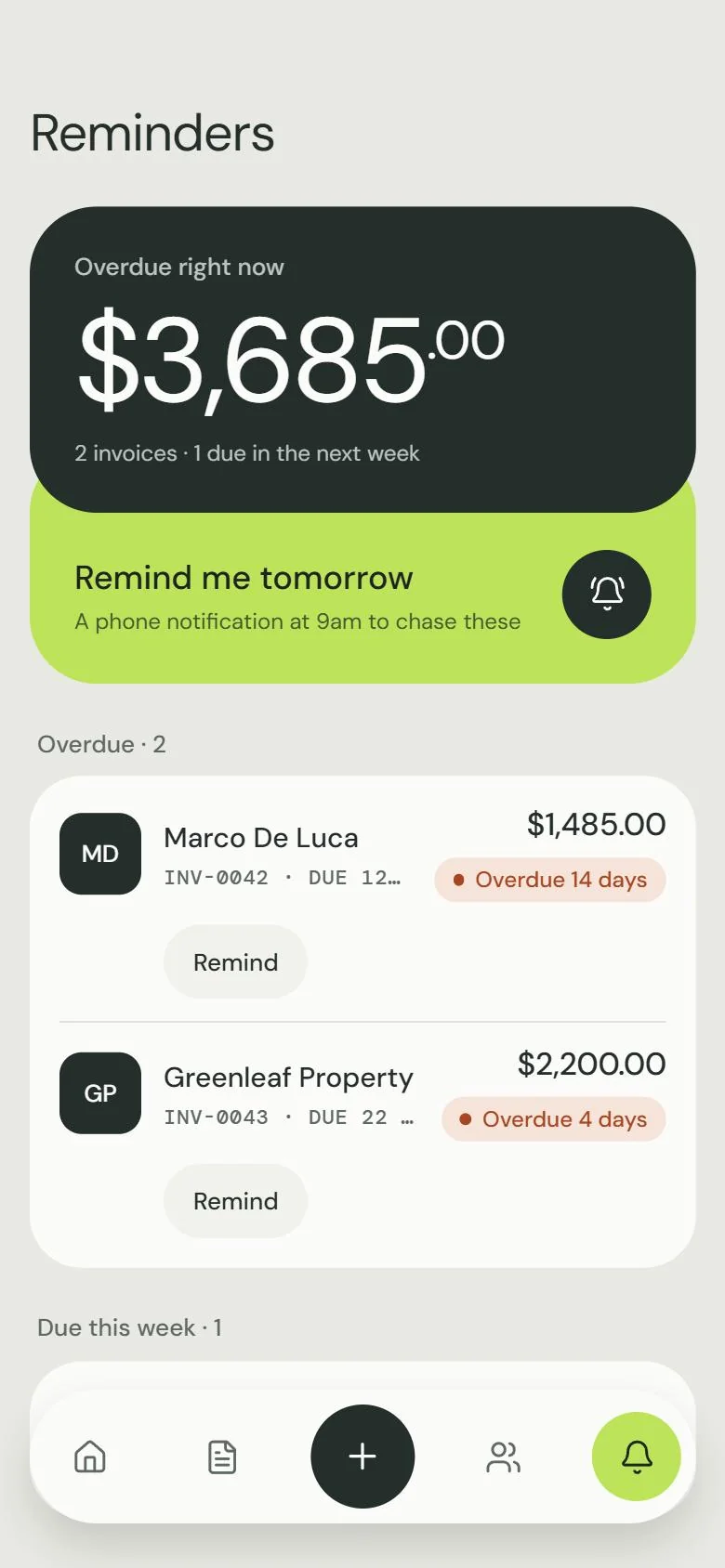
Write the reminder once, in your own words. When an invoice runs late, Docket fills in the name, number, amount and date. One tap opens it ready to send by SMS or email.
Overdue right now
9:00
Tuesday 27 October
To: Marco De Luca
Tomarco@delucacafe.example
SubjectInvoice INV-0042 from Ellis Electrical
PDFINV-0042.pdf
plus a 9am nudge on your own phone, so it actually gets done
Every quote and invoice turns into a clean PDF with your business details at the top. It goes out from the share sheet, by text or by email.
the actual layout the app prints, with Sam’s details
Big rounded panels tuck under each other like carbon copies in a docket book. It’s calm greens and warm paper, with one lime colour kept for whatever needs doing next. Click a colour to copy it.
Display · DM Sans Regular
Morning, Sam.
Amounts · DM Sans Light, tabular
$2,095.50
Numbers · DM Mono
INV-0042 · QUO-0019 · ABN 51 824 753 556
Status chips
Buttons
Radii · 36 / 28 / 18 / 12
The stack
Every colour has a night version that was planned with it, not just flipped. Drag the line across to compare.
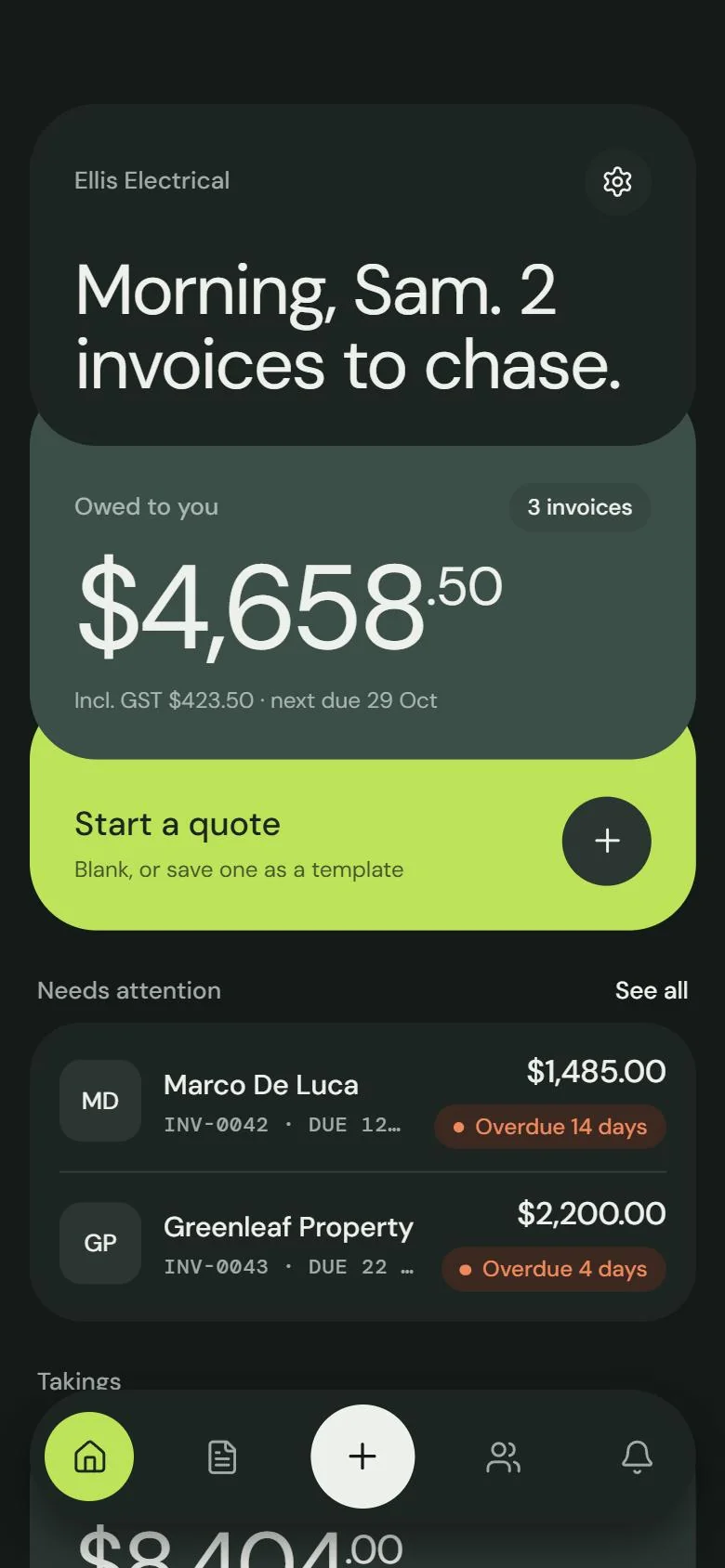
Big targets, one action per screen, and the main button always within reach of your thumb, gloves or not.
Under the hood · How it was built
Docket started as a spec in Business OS, my own platform for turning app ideas into working builds. It covered the data model, the screens and how each one should behave, and the first version of the app was generated from it. Then I did it properly. I wrote a brand guide, designed the screens, and finished every screen by hand: one quote and invoice builder instead of two, real numbering, quote to invoice in one tap, and reminders that fill themselves in.
Each person signs in to their own account, and the database will only ever hand back their own jobs. One codebase builds the app for iPhone, Android and the web.
Data model, screens and rules written in Business OS.
A first build of the app comes out of the spec, typed end to end.
Brand guide, mockups, then every screen restyled to match.
Hand-wired actions, fixed bugs, and marked so a regenerate can’t undo them.
Accounts, and row-level security so each person only sees their own work.
What tradies get
What it runs on