Product details from a link
Name, SKU, price, weight and bulk pricing pulled from a supplier's product page.
Love in a Box · E-commerce and admin
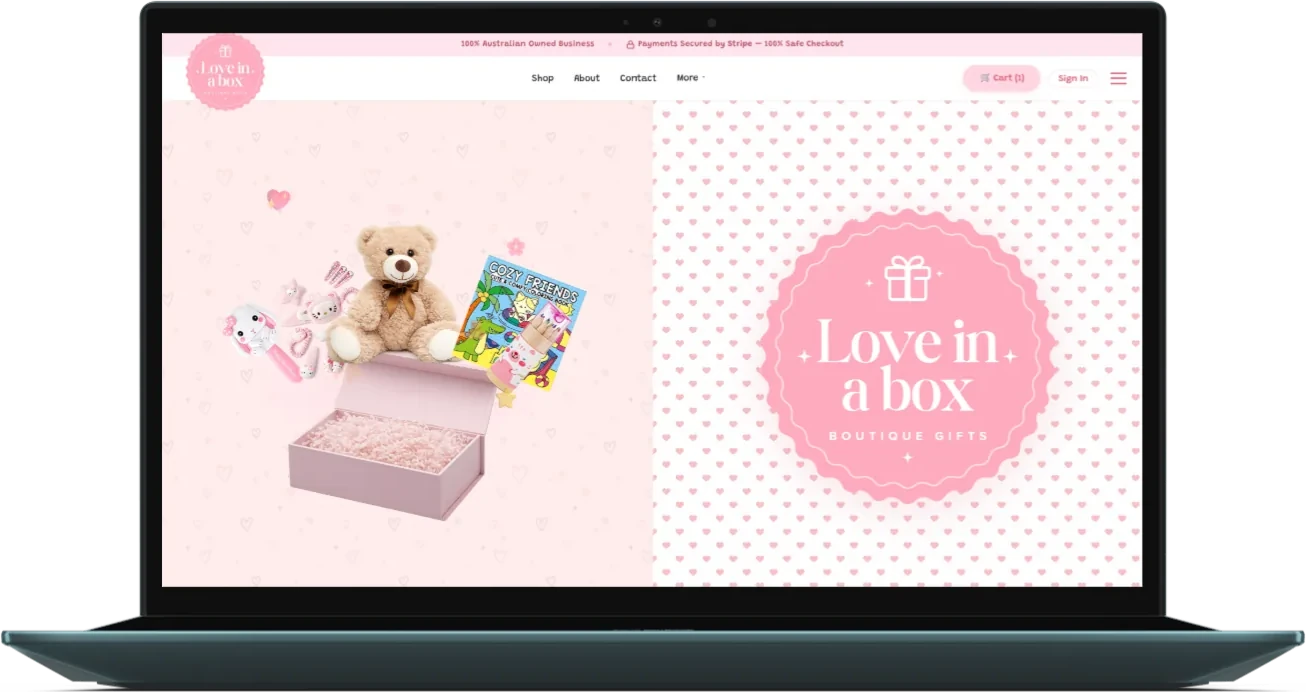
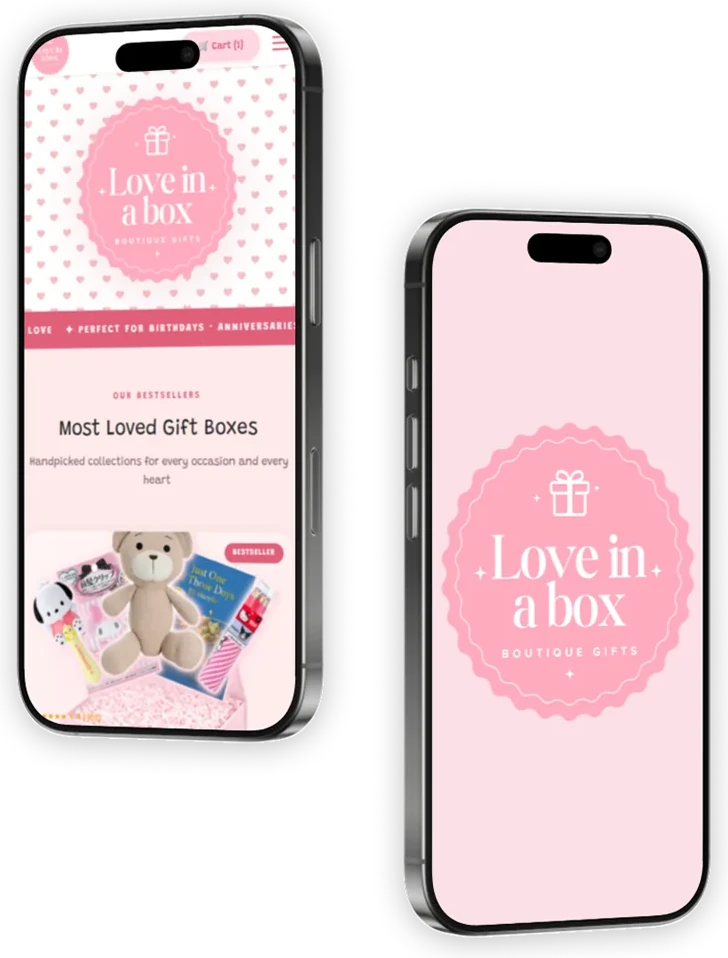
A custom gift box store for a Brisbane boutique. Customers shop and pay on the site; behind it, the owner costs and builds every box, with AI helpers that fill in product details, supplier details and product copy for a person to check.
 Next.js · Stripe · AI admin tools
The brief
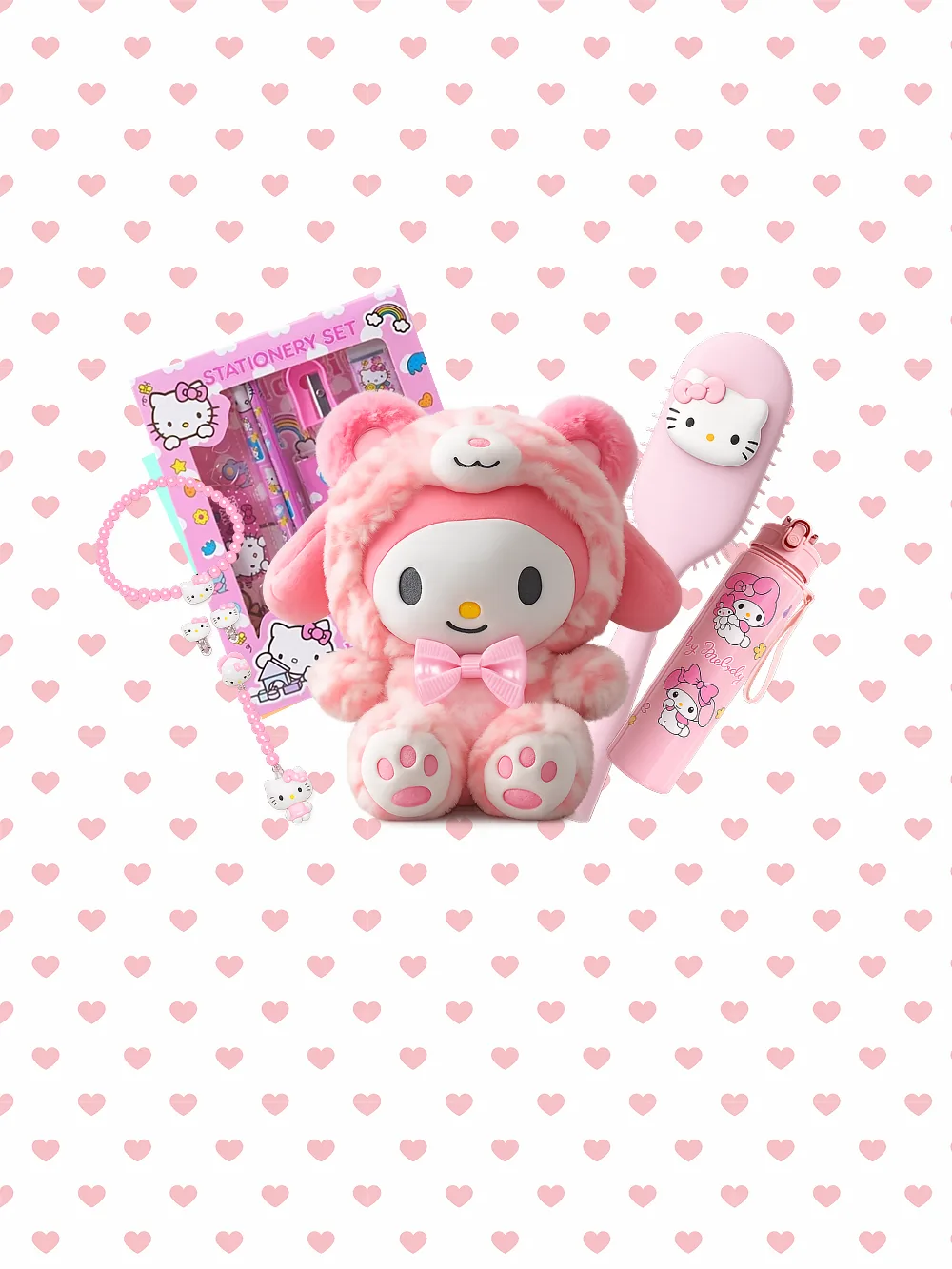
Love in a Box puts together gift boxes and pamper packs. Each box holds several items from different suppliers, and before one can go on sale someone has to record every item's cost and weight, check it all fits, work out a price and write the product copy.
So the build is two things: a store that matches the brand, and an admin that takes the slow work out of adding products. The AI helpers fill in the forms; a person checks and saves everything they produce.
How it works
Paste a link. Check it. Save it.The admin does the reading and the maths. The owner makes the decisions.
Paste a supplier's product link and the site reads the page and fills in the name, SKU, price and weight. A person reviews the result before saving it.
Pick a box and add items. The designer totals the cost and shipping, applies the markup, and runs a fit check against the box's inside dimensions.
Each box lists what's inside, with a name, short description and icon for every item, drafted by AI and edited field by field.
Shipping and payment happen on the site with Stripe's embedded payment form and discount codes. Stripe's webhook marks the order paid and emails the customer and the owner.
Customers see their orders and request returns from their account. The owner handles refunds and returns in the admin, and a Google product feed is built from the catalogue.
AI in the admin
Name, SKU, price, weight and bulk pricing pulled from a supplier's product page.
Contact details, shipping policy, type and region pre-filled from the supplier's website.
Copy drafted from a few starting details, then edited before it goes live.
A name, short description and icon for every item in a box, editable field by field.
AI suggests, a person approves. Nothing the helpers produce is saved until someone has checked it.
Stack